Published
- 3 min read
How to edit CSS visually with CSS Pro - The Visual CSS Editor
CSS can be too complicated. That’s why sometimes we want to use a visual editor to edit our CSS.
With a visual editor, you don’t have to write any CSS code at all - which makes things much easier.
CSS Pro is a browser extension that allows you to edit CSS visually, without writing code. It’s available for Chrome, Firefox, and Safari.
How to use CSS Pro’s Visual Editor
- Open the CSS Pro browser extension on your website (or any website)
- Click on an element to select it
- Click on the “Design” tab
There are 10 sections of design things you can change, these are:
General
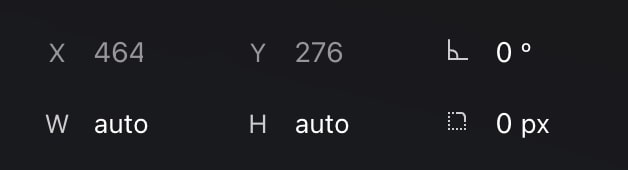
Here you can visually edit the element’s width, height, border-radius, and rotate it (transform: rotate)
Spacing
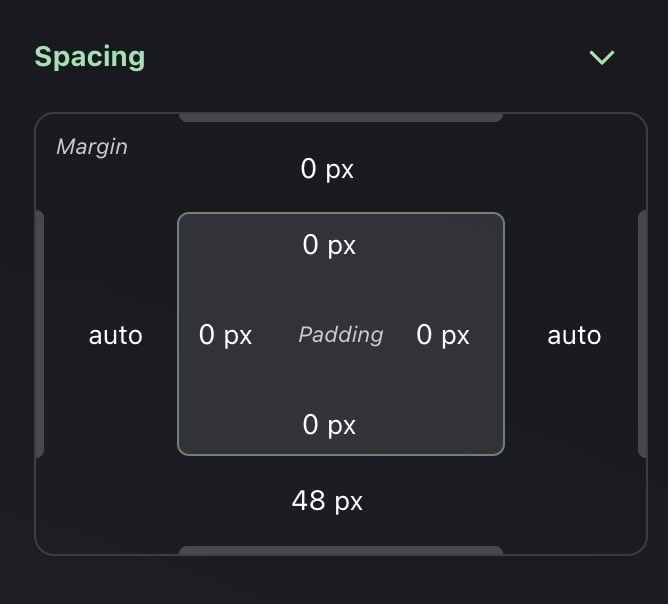
A panel to visually edit the element’s margin and padding - this means the spacing of the element.
Typography
Here the cool thing is that you can live preview over 2,500+ Google Fonts instantly, so it helps a lot to find the right font you’re looking for.
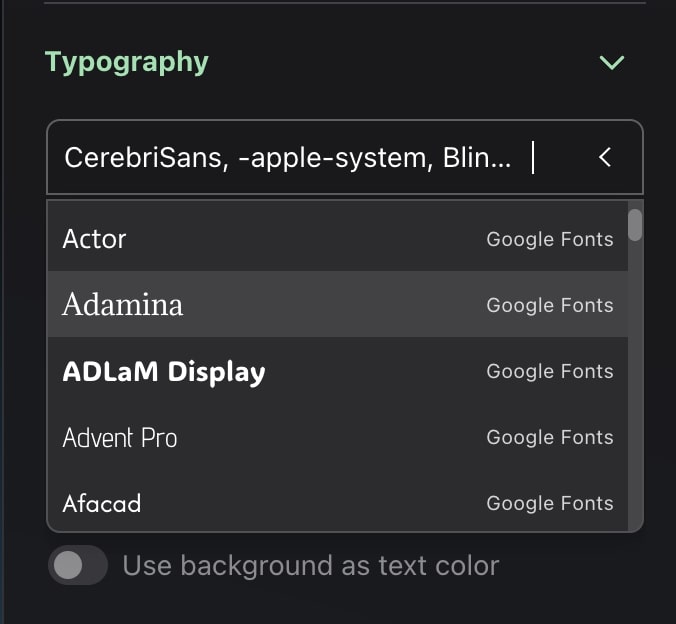
Other properties available to edit are font-weight, font-size, line-height, text-align, letter-spacing, text-decoration.
You can also change the color of the text pretty easily with a color picker that has a color eye dropper which really helps when picking colors from other elements.
And you can use gradients in your texts by simply toggling the option “Use background as text color”
Background
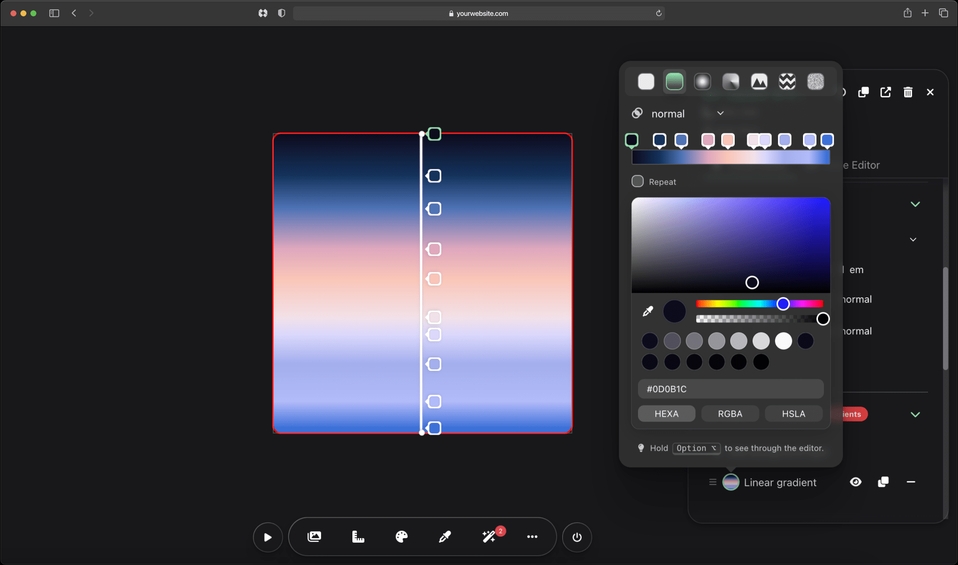
Choose over 300+ high-quality background presets or start by clicking “Add a background layer”.
Click on the layer preview (a circle) where you can choose the layer type (solid, linear-gradient, radial-gradient, conic-gradient, image, pattern, and noise).
What you see is what you get. Drag and adjust color stops directly over the element and easily create stunning gradients.
Hide, re-order, duplicate, blend, or delete layers with ease. It also comes with 80+ charming, pure CSS background patterns.
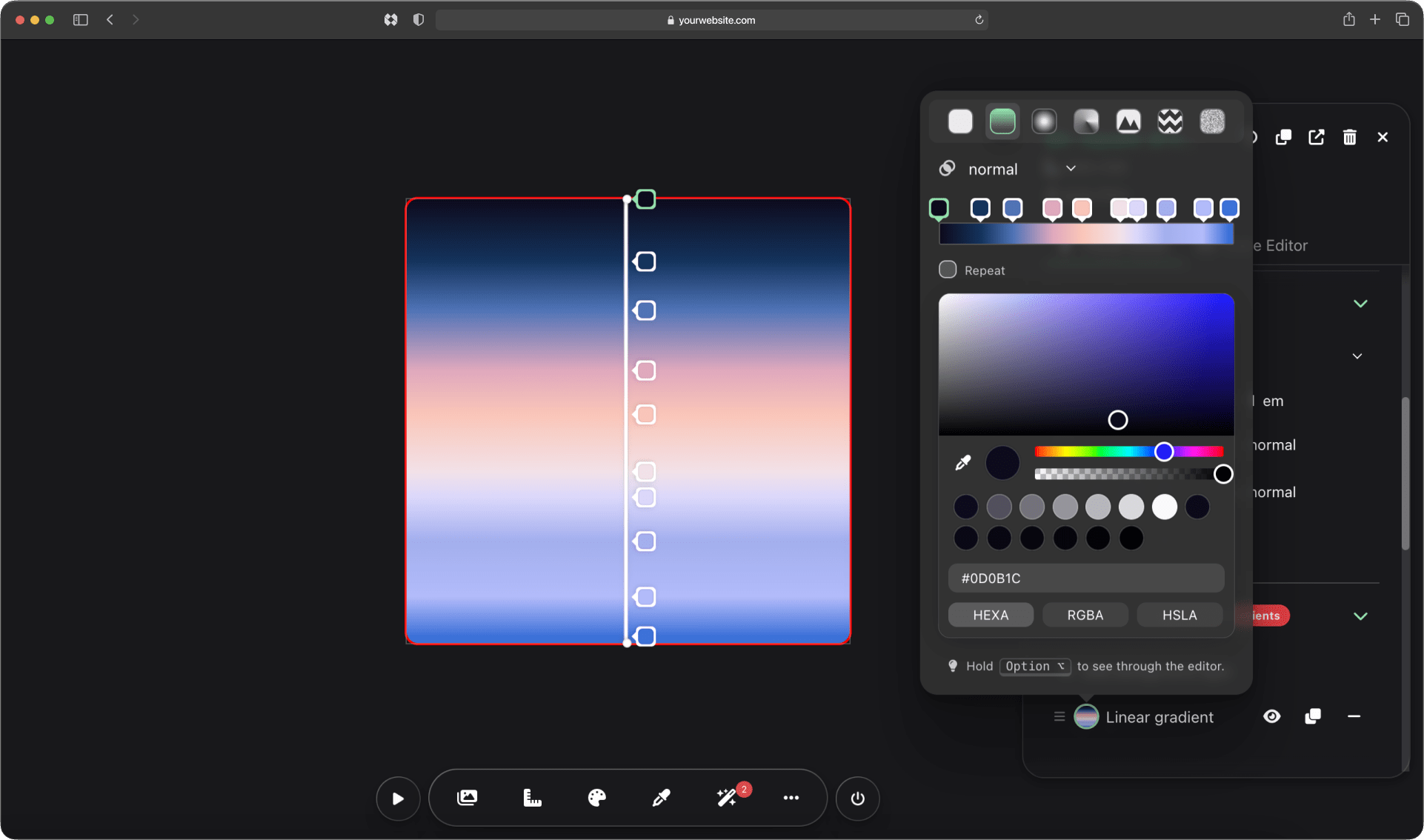
CSS Pro has the most complete background editor for the web, and you’ll be amazed at what you can create.
Display
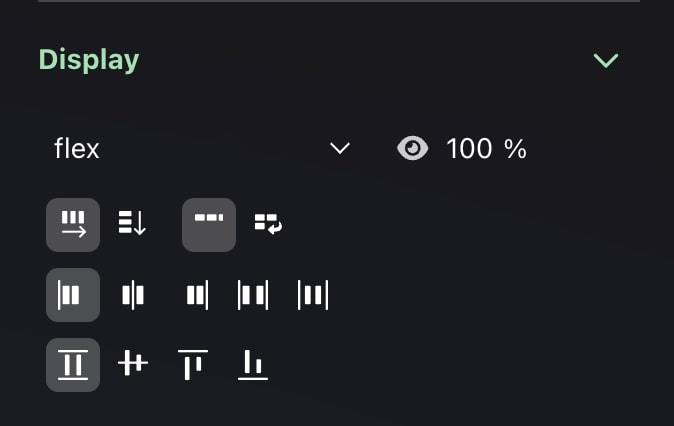
Display options such as display, opacity, and dynamic options depending if your element has display flex or grid.
Border
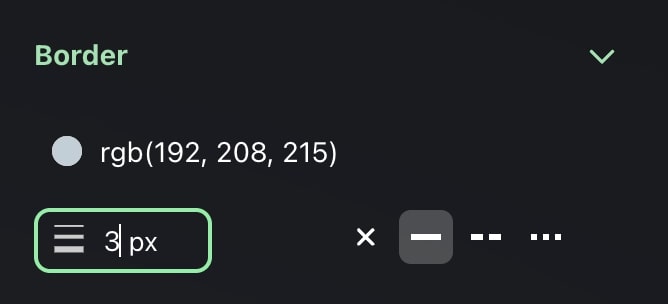
Here you can control the border color, width, and style.
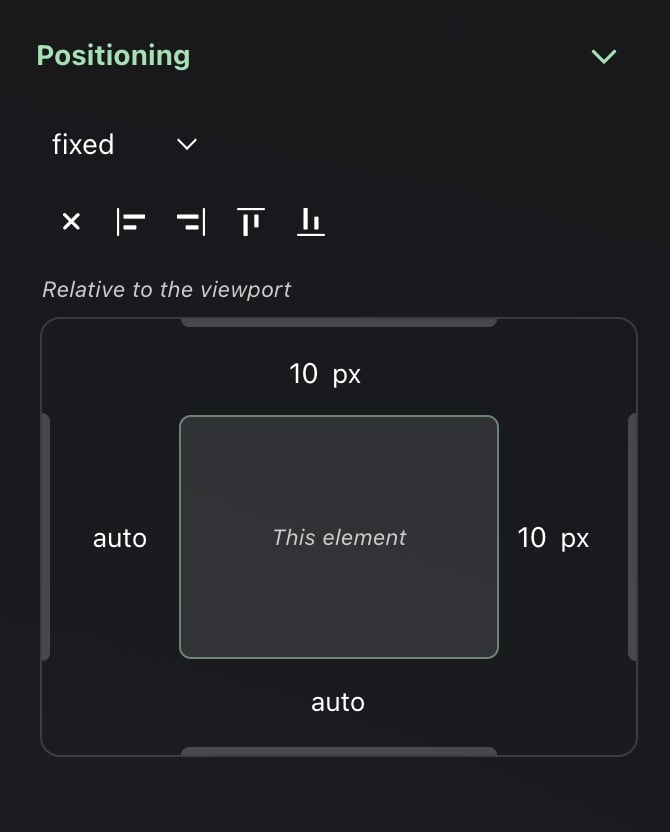
Positioning
Visually control the positioning of the element.
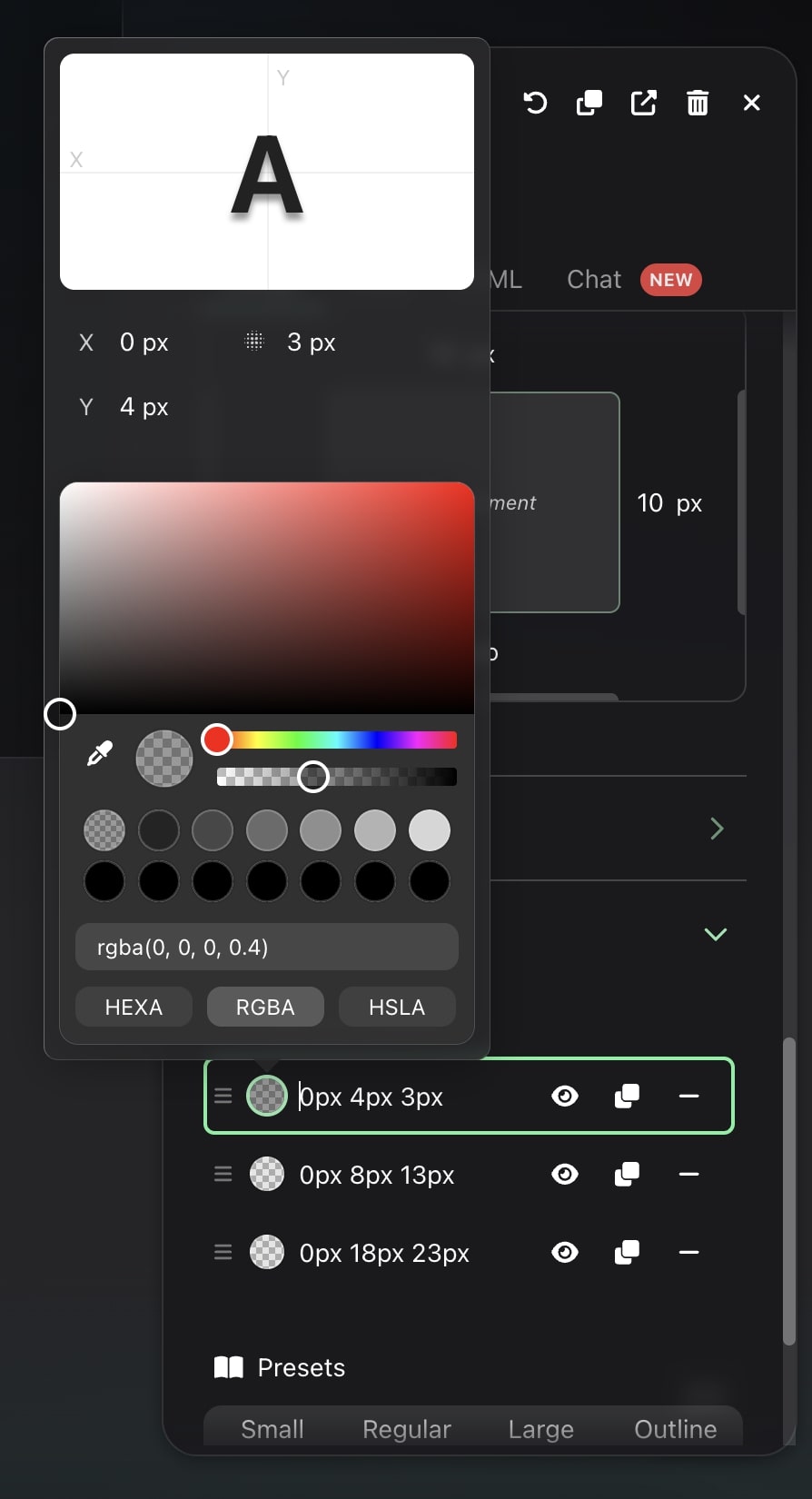
Text shadow
A complete text-shadow generator that supports multiple layers.
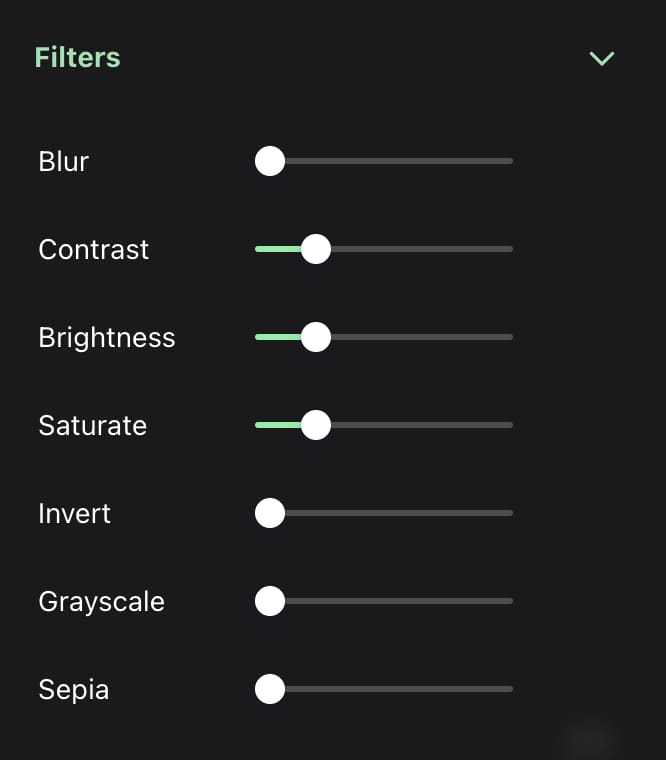
Filters
Sliders to apply filters to your elements, such as blur, brightness, saturation, etc.
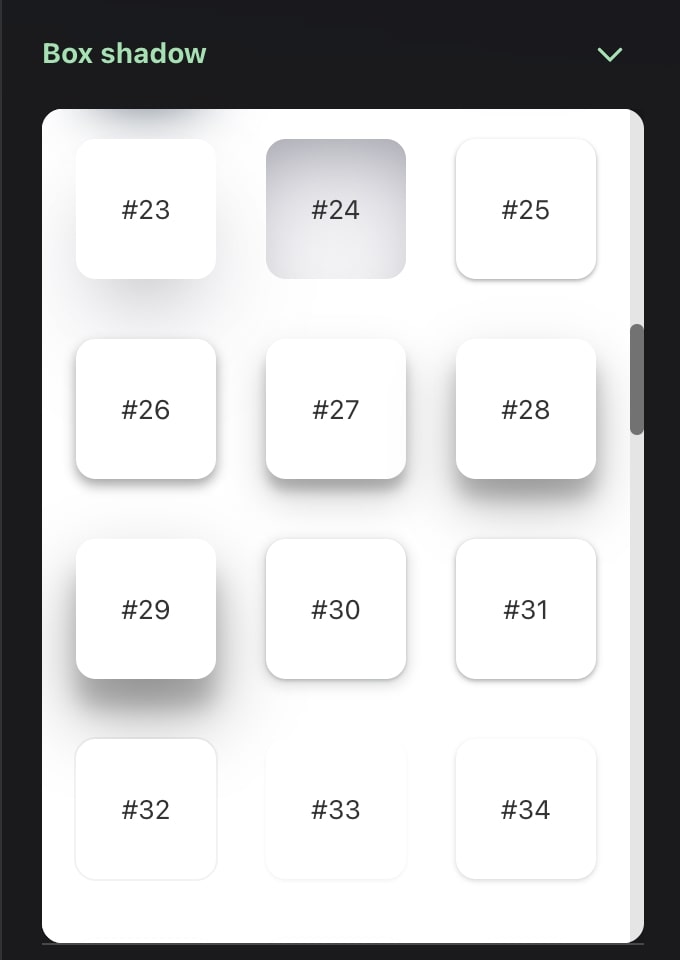
Box shadow
Over 90 box-shadow presets that are ready-to-use and will look great on your page.
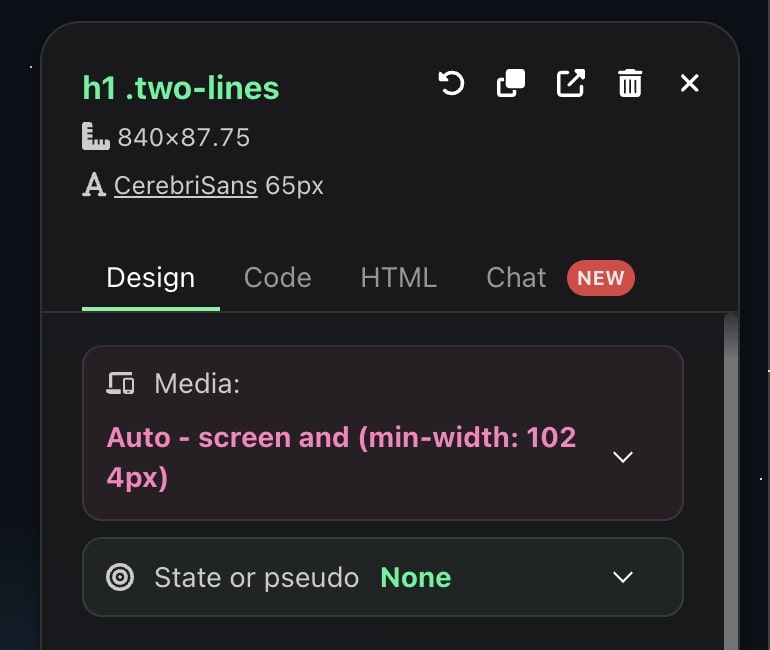
Editing media queries, pseudo-classes, and pseudo-elements
You also want to edit media queries, pseudo-classes, and pseudo-elements when editing CSS visually, and with CSS Pro that’s pretty easy.
On the top of the Visual Editor, you can choose which media query and pseudo you want to edit.