Published
- 5 min read
CSS Pro vs Devtools: The Ultimate Comparison for Web Designers in 2026
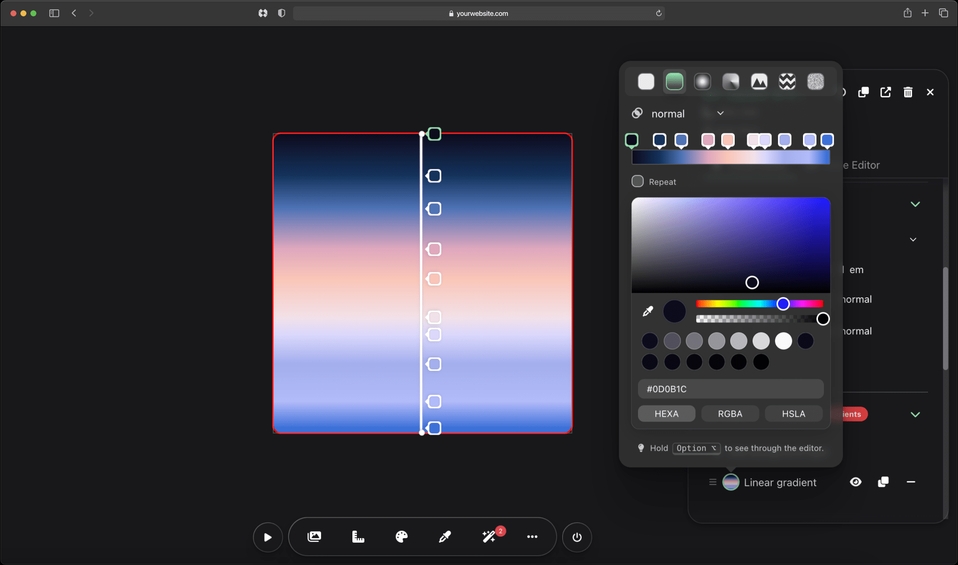
In the fast-paced world of web design and development, having the right tools can make all the difference between a frustrating workflow and a seamless creative process. If you’re searching for “CSS Pro vs DevTools” or wondering which tool is better for visual CSS editing, you’ve come to the right place. As a leading visual CSS editor, CSS Pro reimagines how designers interact with stylesheets, offering a more intuitive alternative to traditional browser DevTools like those in Chrome, Firefox, or Edge.
In this comprehensive comparison, we’ll dive into the features, strengths, and limitations of both tools. Whether you’re a beginner tweaking your first website or a seasoned pro optimizing complex designs, understanding these options will help you choose the best CSS tool for your needs. Let’s break it down.
What Are Browser DevTools?
Browser DevTools, such as Chrome DevTools, are built-in developer consoles that come standard with most modern web browsers. They’re primarily designed for debugging, inspecting, and editing web pages in real-time. DevTools allow you to view the DOM, edit CSS properties, debug JavaScript, and monitor network activity—all without leaving your browser.
Key features include:
- Inspecting elements to see CSS styles.
- Real-time editing of CSS properties with live previews.
- Tools for responsive design testing, like device emulation.
- Performance profiling and accessibility audits.
DevTools are free and powerful for developers who need deep technical insights. However, they can feel overwhelming for visual designers due to the clutter of computed styles, inherited properties, and a high cognitive load, code-heavy interface.

What Is CSS Pro?
CSS Pro is a browser extension available for Chrome, Firefox, and Safari, designed specifically for visual CSS editing on any website, no setup required. Unlike general-purpose DevTools, CSS Pro focuses on making CSS design faster, simpler, and more creative. It generates clean code automatically while letting you edit visually, share changes easily, and even leverage AI for helping you edit elements, debug, and fix CSS/HTML issues.
It’s a paid extension, starting at $20/month for Pro, or $30/month for Pro MAX with AI features. It’s targeted at web designers, creators, product managers, and teams who want to experiment with designs and work fast with CSS. It’s like having a design studio inside your browser.
Feature Comparison: CSS Pro vs DevTools
To make this comparison clear, let’s use a table to highlight key differences. We’ve focused on aspects most relevant to CSS editing and web design.
| Feature | CSS Pro | Browser DevTools |
|---|---|---|
| Visual Editing | Advanced visual interface for real-time edits on any site; drag-and-drop elements like Lego. | Basic live editing via inspector; no drag-and-drop for elements. |
| CSS Focus | Shows only applied CSS (clean and uncluttered); | Displays full CSS cascade, which can be bloated with lots of overridden rules and variables |
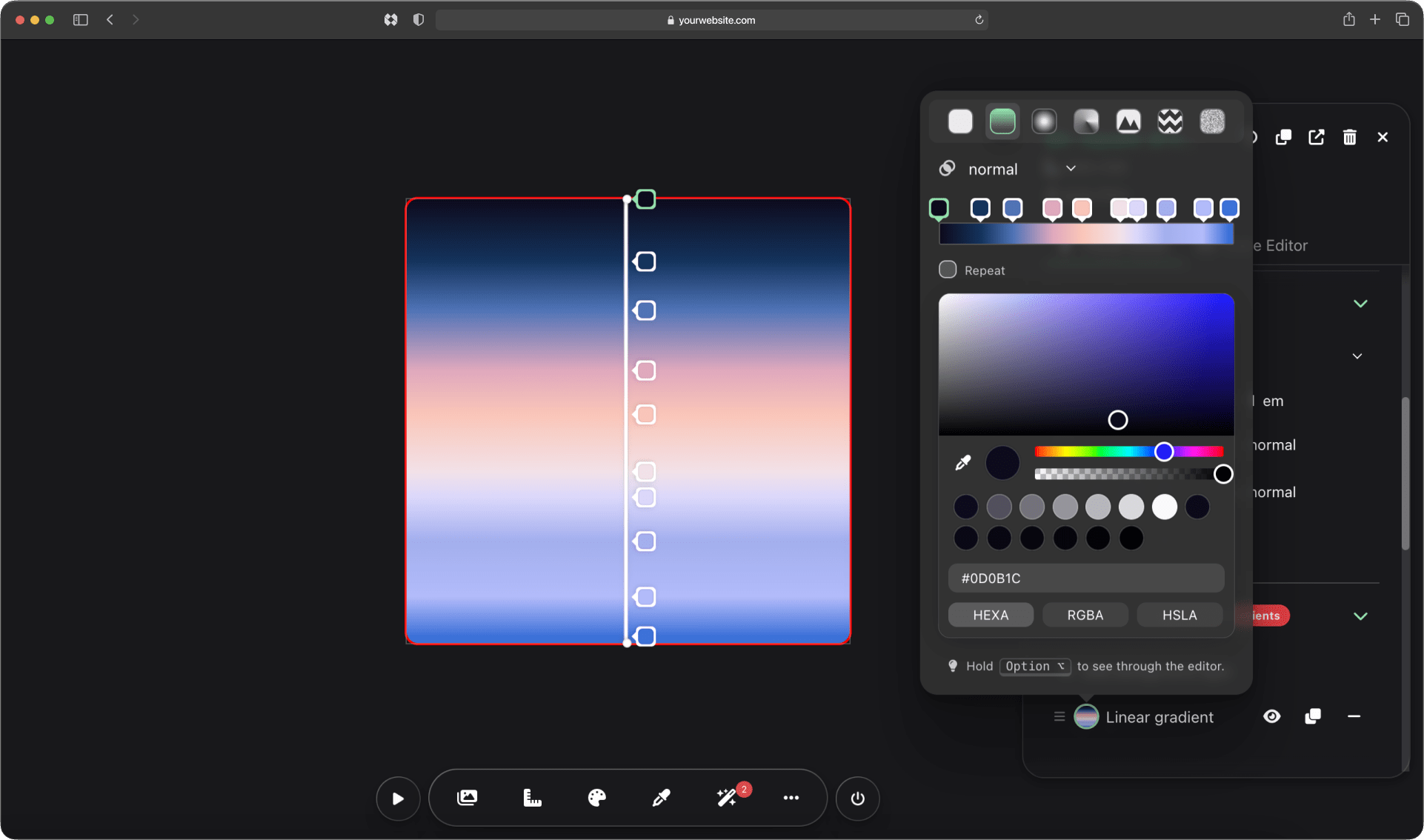
| Background Tools | Dedicated editor for layers, patterns, noises, blending, and presets. | Limited to basic property edits; have to manually code. |
| Font & Text Handling | Preview 2,000+ Google fonts on-page; instant text editing by clicking and typing. | No easy access to Google Fonts, and no direct text overrides. |
| Media Queries & Pseudo-Classes | Easy editing and toggling (e.g., :hover) with visual feedback. | Supported, but requires manual code tweaks in the console. |
| AI Assistance | Pro MAX includes agentic AI (Claude, ChatGPT, Gemini) for editing, writing, and debugging CSS and HTML. | Really basic AI (because it’s free) that is not smart. |
| Sharing & Collaboration | Share edits via links with before/after toggles; export CSS. | No built-in sharing; screenshots or manual copy-paste required. |
| Additional Tools | Color eyedropper (works on images), ruler, asset extraction, code autocomplete. | Network monitoring, JS debugging, but fewer design-specific tools. |
| Setup & Compatibility | Browser extension; works on any site instantly. | Built-in; no install needed, but browser-specific. |
| Cost | $20–30/month or lifetime option. | Free. |
From this table, it’s evident that CSS Pro excels in user-friendly, design-focused features, while DevTools shines in broad debugging capabilities (if not using AI).
Pros and Cons of Each Tool
CSS Pro Pros:
- Intuitive for Designers: Perfect for visual thinkers who want to avoid code clutter.
- Time-Saving Features: AI assistance and sharing options streamline workflows.
- Unique Extras: Background editor and font previews make creative experimentation effortless.
- Cross-Browser Support: Works seamlessly across major browsers.
CSS Pro Cons:
- Paid Tool: Requires a subscription, though worth it.
- Extension-Based: Needs installation, unlike built-in DevTools.
Browser DevTools Pros:
- Free and Accessible: No cost or installs.
- Comprehensive Debugging: Great for full-stack devs needing JS and performance tools.
- Standardized: Familiar to most web professionals.
Browser DevTools Cons:
- Overwhelming Interface: Cluttered with technical details, less ideal for design/creative work.
- Limited Visual Tools: Lacks visual tools, smart AI, and no option to share changes.
- Shows Bloated CSS: Shows full CSS cascade or computed styles, which can complicate edits depending on how complex the code is.
When to choose CSS Pro over DevTools
If your workflow involves rapid prototyping, team collaboration, or visual experimentation, CSS Pro is the superior choice. It’s especially useful for freelancers and agencies who need to quickly test ideas on live sites and share them with clients. For example, if you’re tired of sifting through DevTools’ computed styles and want a cleaner view of applied CSS, CSS Pro saves hours.
On the other hand, stick with DevTools for free, in-depth debugging (without AI) or when working on non-CSS issues like JavaScript errors.
Conclusion: Work faster with CSS Pro
In the “CSS Pro vs DevTools” debate, both tools have their place, but for modern web designers seeking efficiency and creativity, CSS Pro stands out as the game-changer. It transforms the tedious parts of CSS editing into an enjoyable, productive experience, without the steep learning curve of traditional DevTools.
Ready to try it? Go to csspro.com for a free demo and see how it can change the way you work with CSS.